Website languages
Help customers read your website in their own language
Your services, opening hours and offer in your customers’ language. Copy is adapted to the country, with a linked version for each language.
See the features ↓
What it changes for you
A visitor wants to book or contact you, but cannot understand your page. Your website explains the services and next steps in their language, using the words they recognise. Each version has its own copy and language signals for Google, so customers can understand your offer before getting in touch.
See it in action
The real demo screens, on a computer and on a phone. Fictional data.
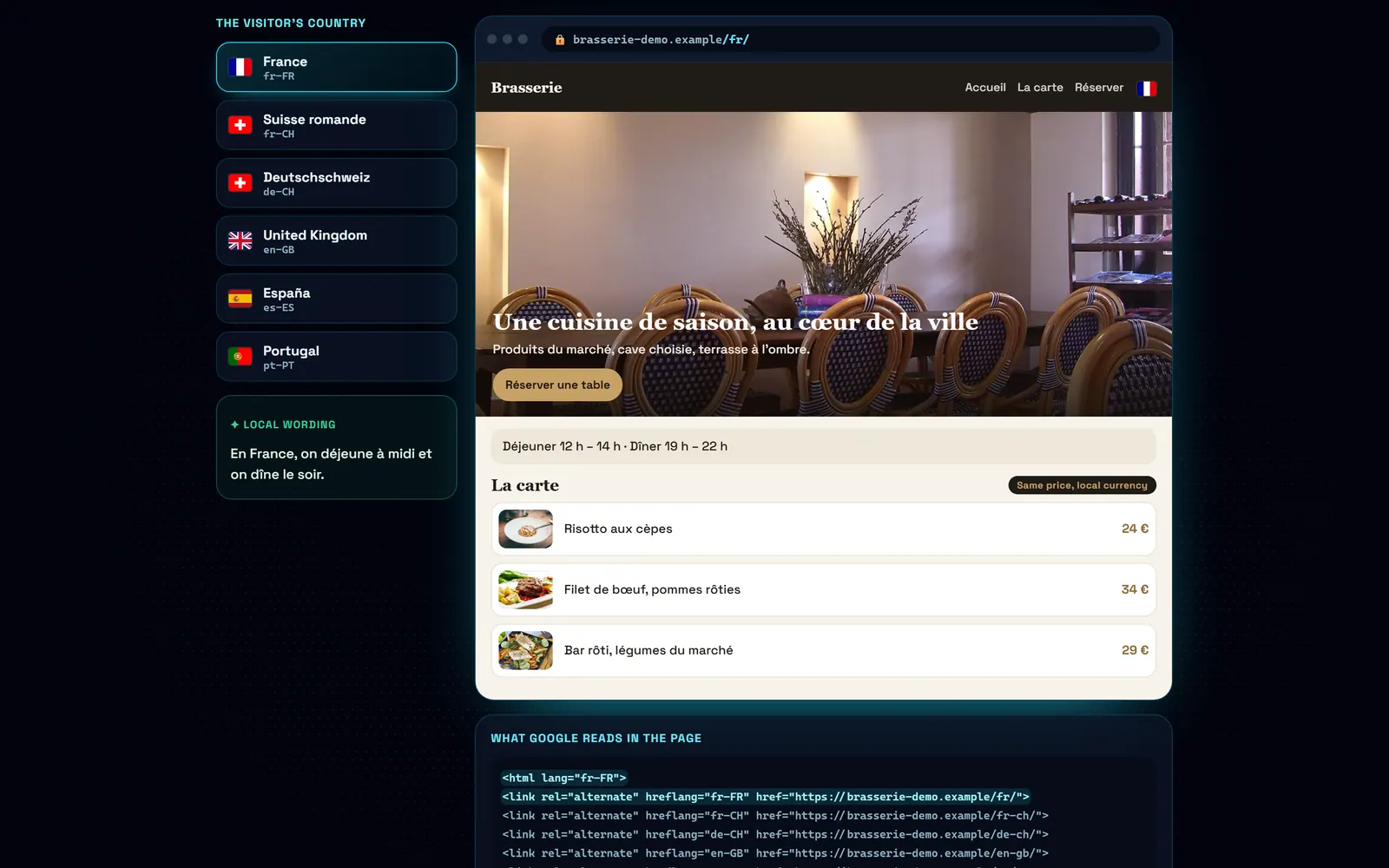
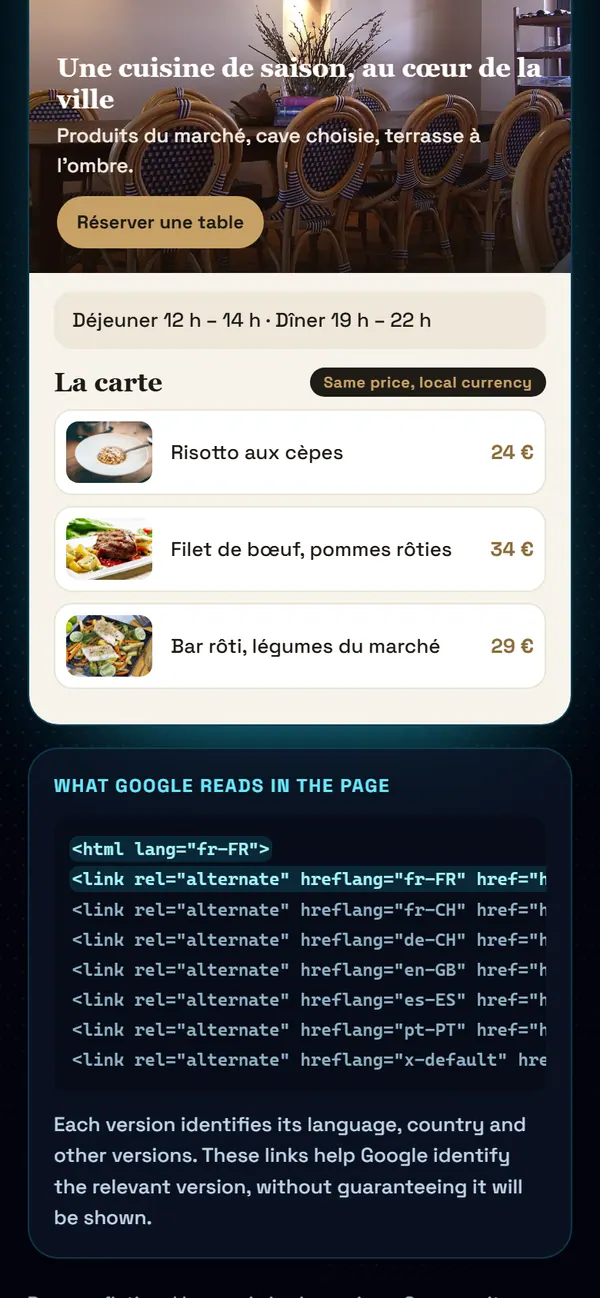
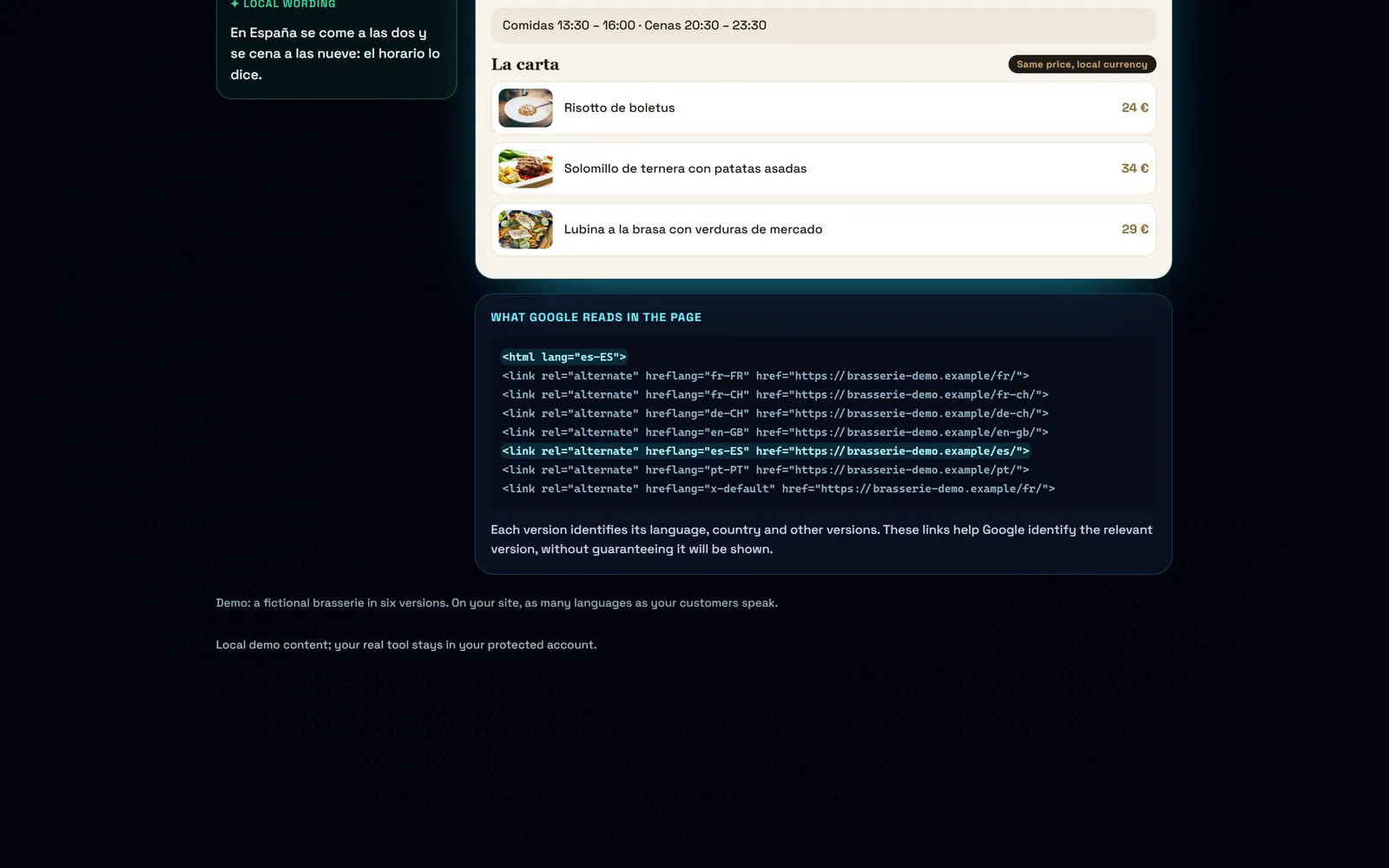
1 / 5The French versionEach country has its own page at its own address: /fr/ for France, with its words, its hours and its currency.
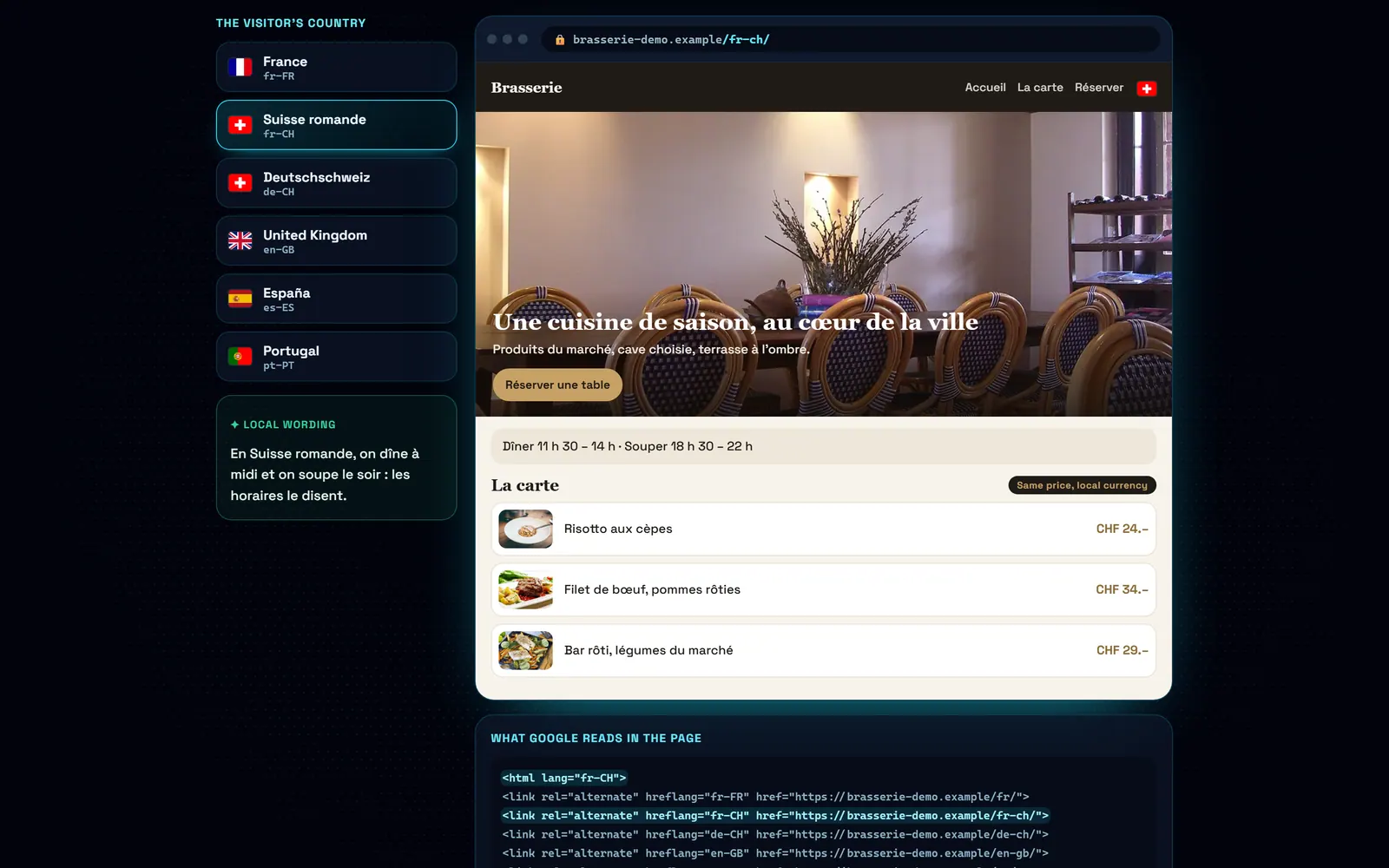
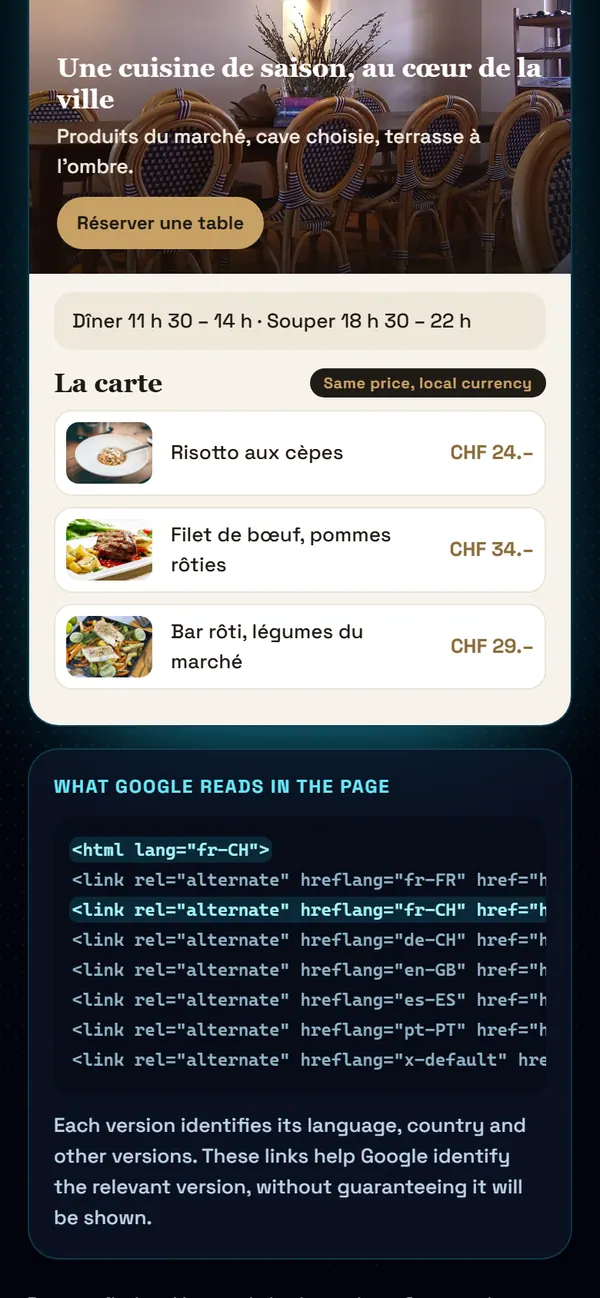
2 / 5French-speaking SwitzerlandSame language, another country: lunch is “dîner” and dinner is “souper” there, and prices are in Swiss francs, at the same number.
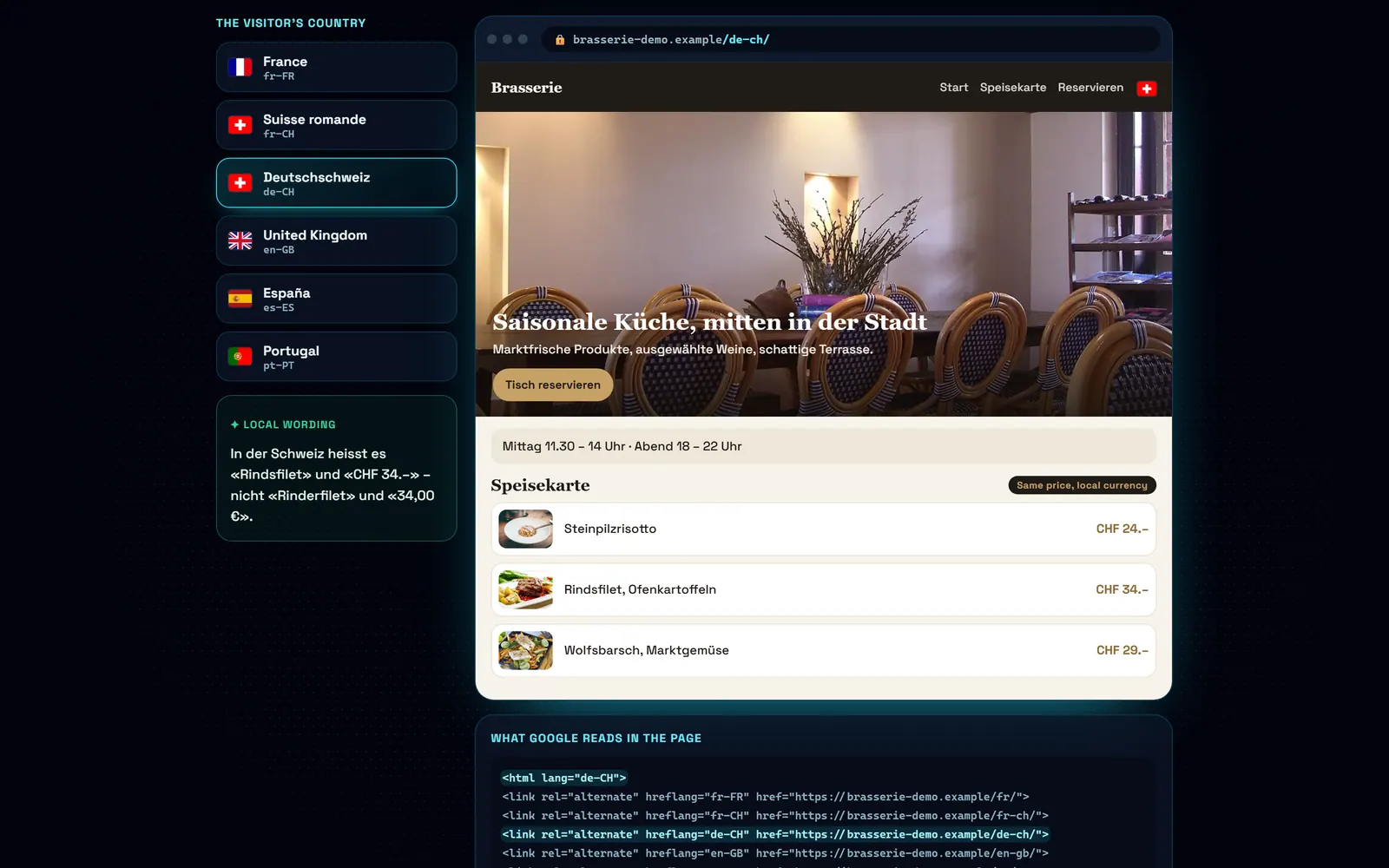
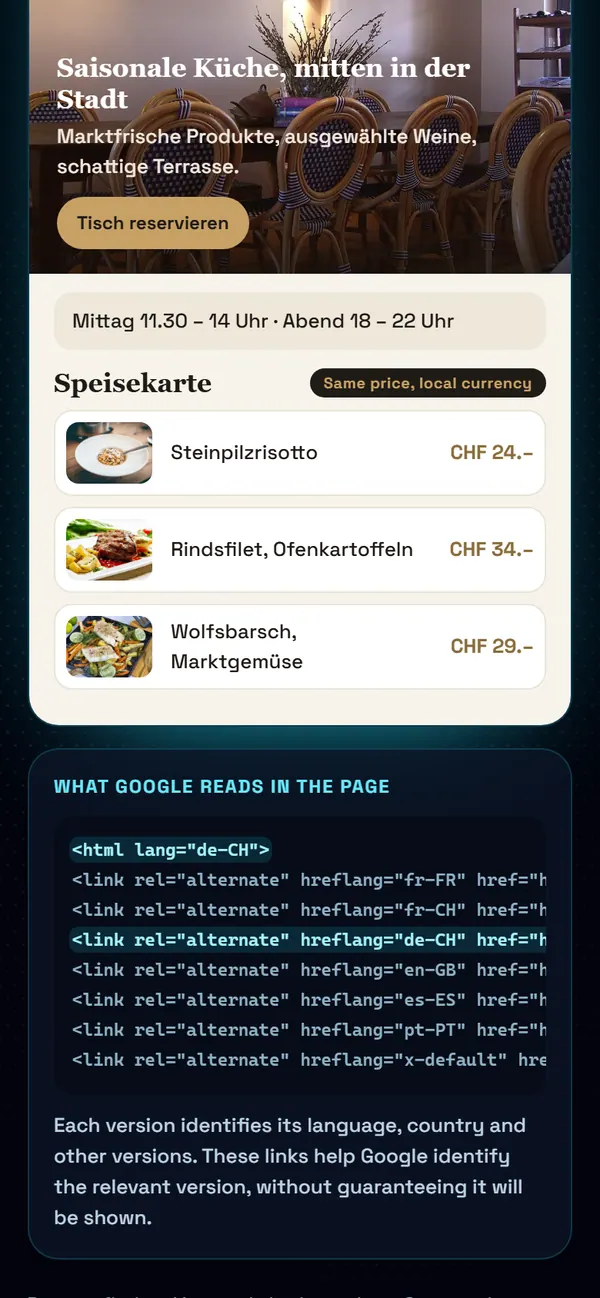
3 / 5German-speaking SwitzerlandWritten the way German-speaking Swiss write: “Rindsfilet”, “CHF 34.–”.
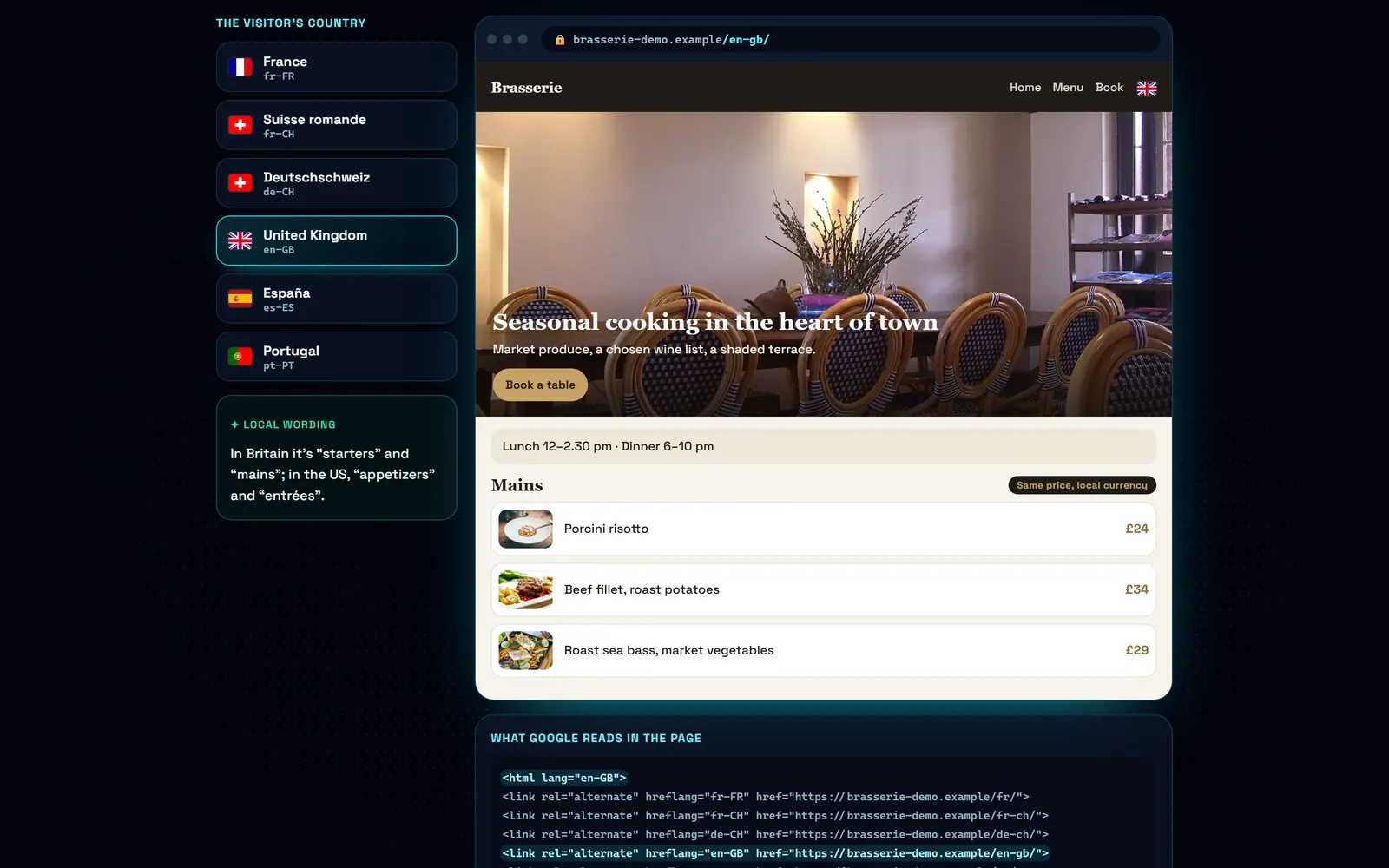
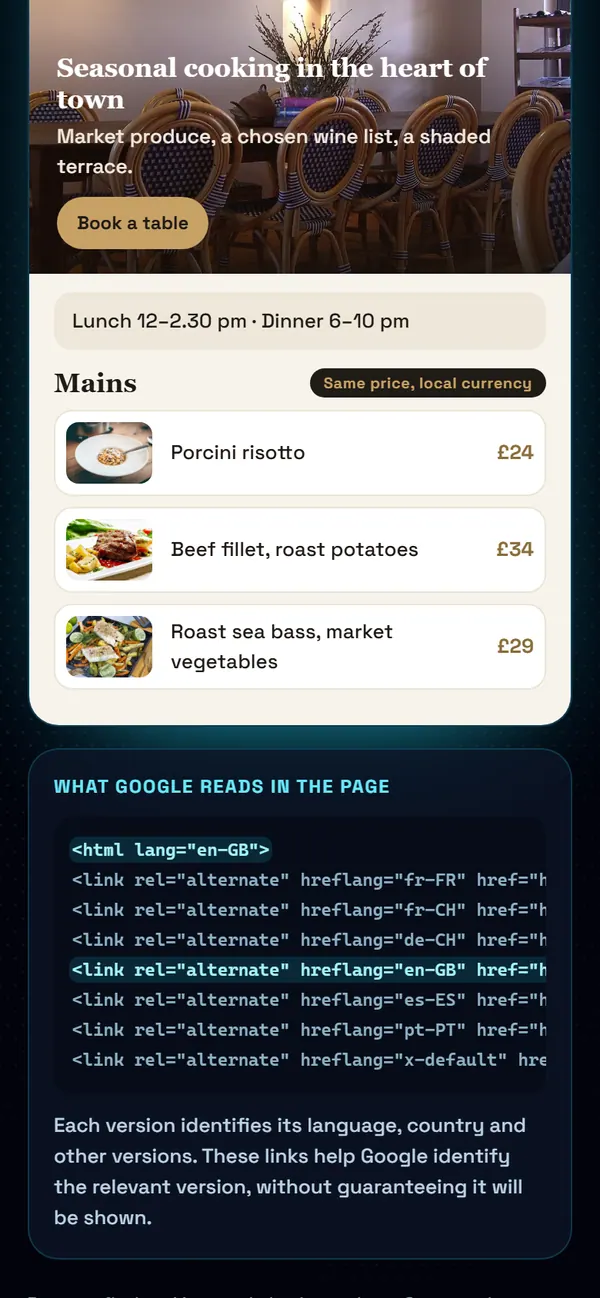
4 / 5The United Kingdom“Starters” and “mains”, pounds sterling: British English, not American.
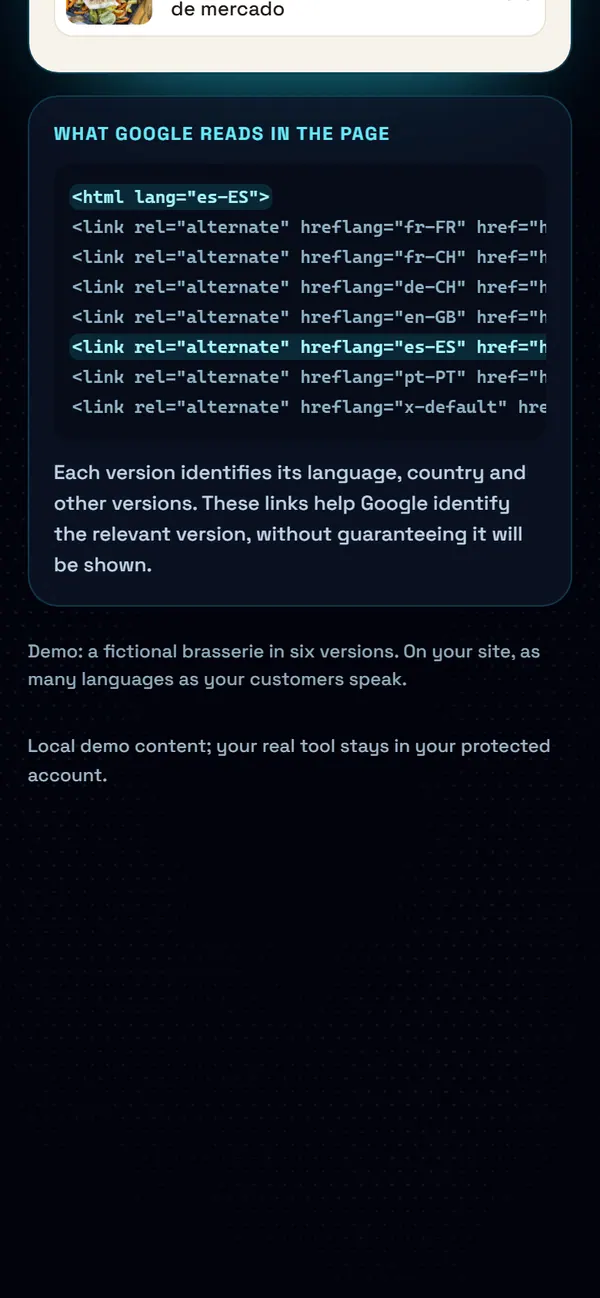
5 / 5What Google readsEach version identifies its language, country and other versions. These links help Google identify the relevant version, without guaranteeing it will be shown.
What's included
Words your customers recognise
A customer in German-speaking Switzerland asks for an «Offerte»; a customer in the UK asks for a quote. The copy reflects the language of the trade and the country, so customers understand your services and know how to get in touch.
Language versions linked for Google
Each version has its own address. Links between languages and country signals help Google offer a suitable page to the visitor. They support useful content and a clear structure; they do not guarantee indexing or a ranking.
Language choice and local currency
Drawn flags, not emojis. The price shown in the visitor's currency, at the same number in pounds, euros and francs. The country selector leads to the country's page, not just to a language.
A restaurant menu in twelve languages
The Greek restaurant among our cases has its menu readable in twelve languages by its guests, without twelve websites: the menu is data, and the language is a view. The owner edits it once.
Pricing
Multilingual website: quoted according to the number of languages and pages to adapt · EUR = CHF = £, one to one.
Frequently asked questions
How many languages can I have?
The number of languages depends on your customers. Our own website offers five. The quote reflects the amount of copy to adapt for each language, page by page.
Is translating a page enough to get found on Google?
Translated pages can be indexed: Google does not automatically exclude them as duplicates. The translation needs to be accurate, useful and suited to its audience. Each version also needs a separate address and must be accessible to search engines; language alone does not guarantee visibility.
How does Google know which version to show?
Links between versions and hreflang tags indicate the language and, where relevant, the target country. Google uses them alongside other signals. Our build checks validate these links; Search Console is then used to monitor indexing and search visibility.
What if I start with one language?
The site is ready to take on more: adding a language does not mean rebuilding the site.
Read more on this topic
- SEO explained simply: what it is and what it changes for your business — SEO is what makes a customer who searches for what they need on Google land on you rather than someone else. Explained without jargon: what Google looks at, what moves you up, and what you should never believe.
- The quote that goes out before your competitor’s — On building work it is not always the cheapest who wins: it is often the first to answer. How an automated quote on your site prices the job while the customer is still reading, and what that changes.
- Changing a price on your website without asking permission — Waiting three days and paying a quarter of an hour of labour to fix a price is daily life for many businesses. What a content editor changes, and what it really costs.
- The appointments you lose while you are working — A customer who calls while your hands are busy rarely calls back: they call the next place. What an online booking calendar on your own site fixes, what it costs, and why the booking must belong to you.
- Ultra POS: till, kitchen and ordering in one system — Delivery platforms take up to 30% of the basket, and the till, the website and online ordering are usually three separate subscriptions. What Ultra POS brings together, and what it changes on the bottom line.
- Finally knowing which page actually works for your business — Most owners pay for a website without ever knowing what it does. What visitor tracking shows, what it lets you stop paying for, and why a Google position alone proves nothing.